
Cork7 not loading or lagging
Symptoms, not a driver dump · 25 October 2026
If Cork7 will not load, stutters or ignores a button, start with the official requirements: a current browser, WebGL 2, hardware acceleration and an internet connection. The steps below are publisher advice and cautious diagnostic suggestions, not claims that every failure was reproduced here.
My failure was speed, not a black screen. Chrome on this Mac showed the performance-mode warning and I kept playing Solo. I did not reproduce a failed WebGL context, a dead gamepad, or a phone thermal shutdown.
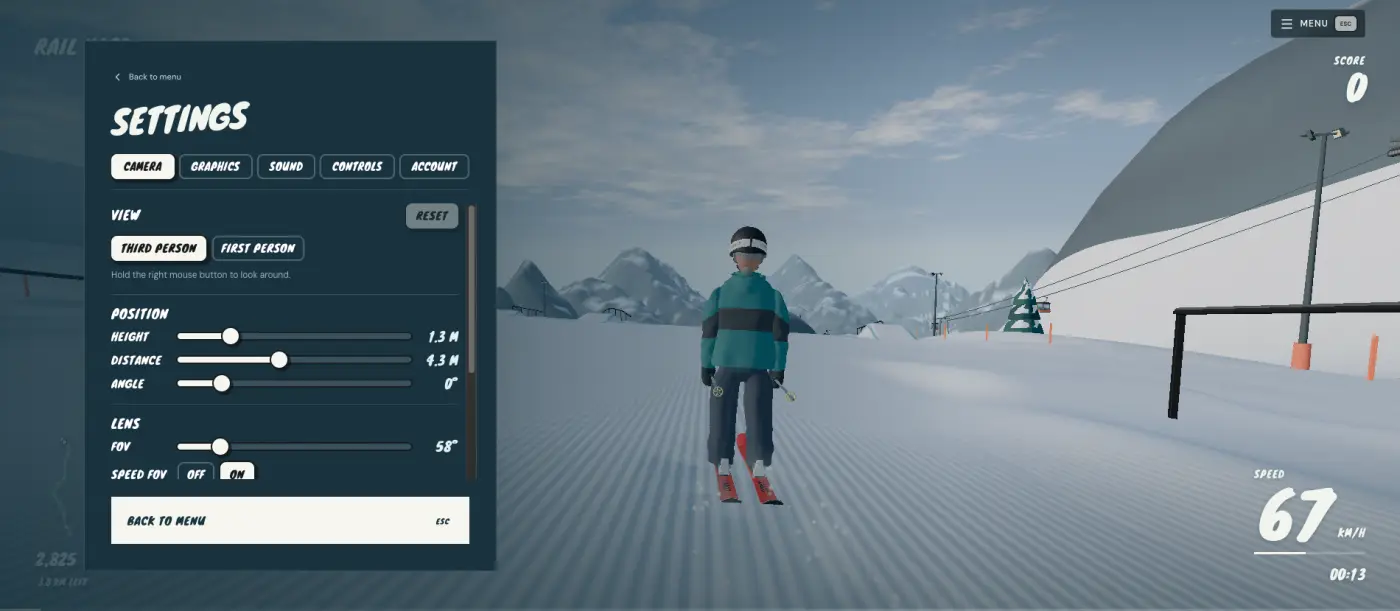
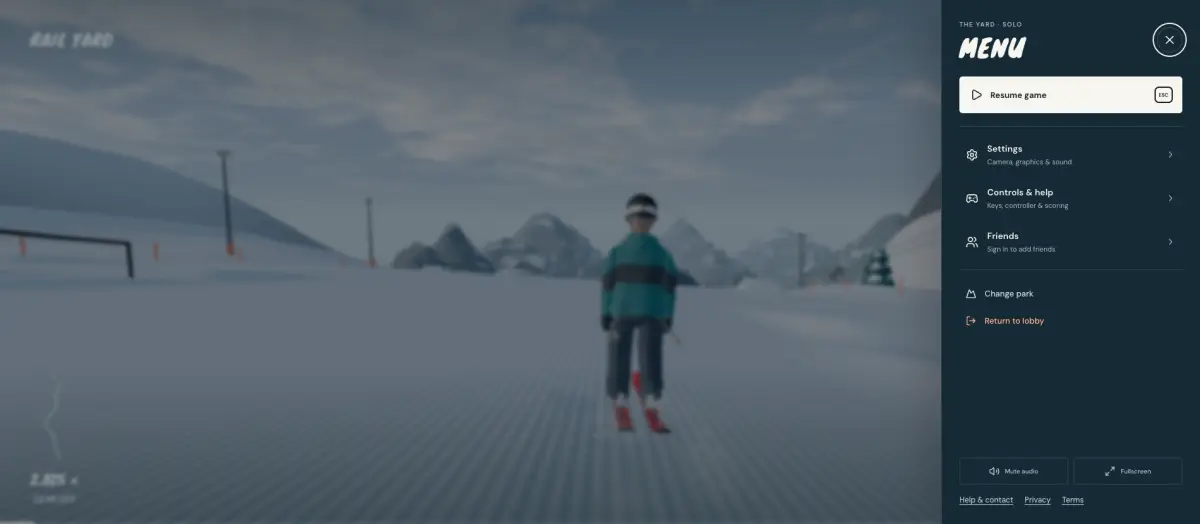
Match the symptom
Use the row that matches what you see. These steps follow the publisher’s controls and requirements; only the Performance prompt was observed in the recorded solo session.
| What you see | Try this first | Evidence limits |
|---|---|---|
| Blank or stuck page | Update the browser, enable hardware acceleration, restart the browser, then use the game menu’s Reload game. The client needs WebGL 2. | No failed WebGL context reproduced. |
| Slow mountain | Select Graphics → Performance. Check the frame cap if motion seems limited; a selected cap is not an FPS measurement. | The automatic Performance prompt was observed, but no before/after benchmark was taken. |
| Keys do nothing | Click the game view, open Settings → Controls and check remapped bindings. Esc/P opens the menu; hold R for 2 seconds to restart a run. | Keyboard worked in the research session. |
| Controller not detected | Connect the controller before opening the game, press a button to wake browser detection, and check whether Steam or another app is capturing the pad. | Official controller advice; no pad was tested here. |
| Phone gets hot | Try Performance and a lower frame cap, close other heavy tabs, and stop if the device becomes uncomfortable to hold. | Practical diagnostic advice, not a tested thermal fix; 24 October notes mention phone optimisation. |
| Multiplayer will not join | Sign in to a free account and check your connection. Try the room picker rather than assuming the automatic new-room threshold is a hard capacity. | No multiplayer failure reproduced and no live server-status guarantee. |
Protect local replays before resetting anything
Use the in-game Reload game action before deleting site storage. Replays are saved locally and do not sync between devices; export anything you want to keep first. Clearing cookies for every website is not a troubleshooting step. If access is restricted by a school or work network, ask its administrator rather than installing a mirror or bypass tool.
What not to install
A video that offers a “fixed” Cork7 exe is not the publisher. The Windows file is Cork7-Setup-1.0.4.exe on downloads.cork7.com. If the desktop app and the browser disagree, the 27 September note says they share the account and the board, and the desktop app updates itself.
FAQ
Cork7 says it is running slowly. What now?
Performance mode is the client’s own switch. Undo puts the previous graphics choice back. There is no published FPS target in the settings I opened.
The controls do nothing in Cork7.
Click the game view so the browser sends keys to it, then open Settings and Controls. A cosmetic item is not the cause.
Sources and references
Publisher links describe the game, not this independent guide's policies. Store listings and community information can change.